
-
Welcome to the Community Forums at HiveWire 3D! Please note that the user name you choose for our forum will be displayed to the public. Our store was closed as January 4, 2021. You can find HiveWire 3D and Lisa's Botanicals products, as well as many of our Contributing Artists, at Renderosity. This thread lists where many are now selling their products. Renderosity is generously putting products which were purchased at HiveWire 3D and are now sold at their store into customer accounts by gifting them. This is not an overnight process so please be patient, if you have already emailed them about this. If you have NOT emailed them, please see the 2nd post in this thread for instructions on what you need to do
You are using an out of date browser. It may not display this or other websites correctly.
You should upgrade or use an alternative browser.
You should upgrade or use an alternative browser.
I Just Wanted to Post an Image Thread
- Thread starter Stezza
- Start date




DanaTA
Distinguished
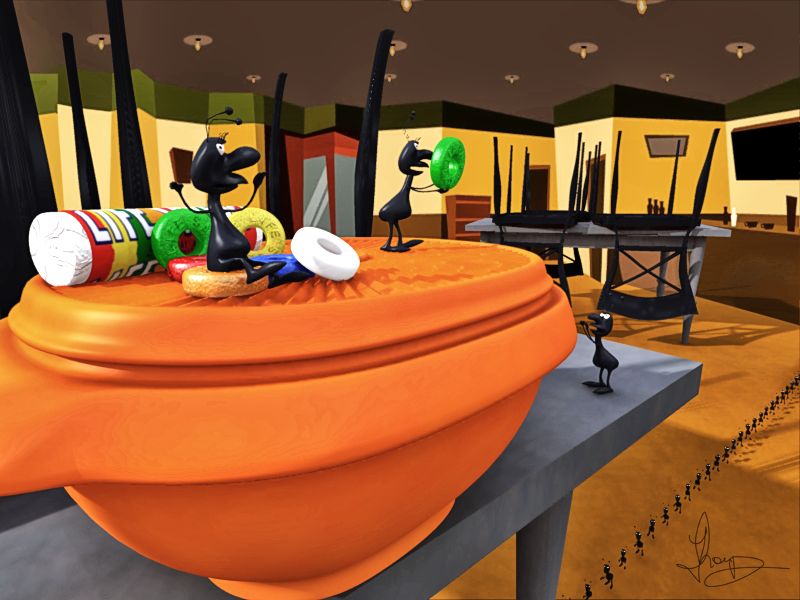
Looks like Tupperware!Carrara Cubes galore!
ants, containers, tables, chairs and lifesavers
Very nice, Pen.Revisited a render I originally did with Diva on the cross. This time it's Genesis 8View attachment 80131
Hey, your bottom line "My Free Stuff" leads to ShareCG that, as we all sadly know, is no more...
But let me use this occasion to say again that PoserDirect is closing in few days, too (15 February), so let's all grab whatever we like till there is time
Welcome to PoserDirect : Home

Stezza
Dances with Bees
yep, went rummaging through the kitchen cupboardsLooks like Tupperware!

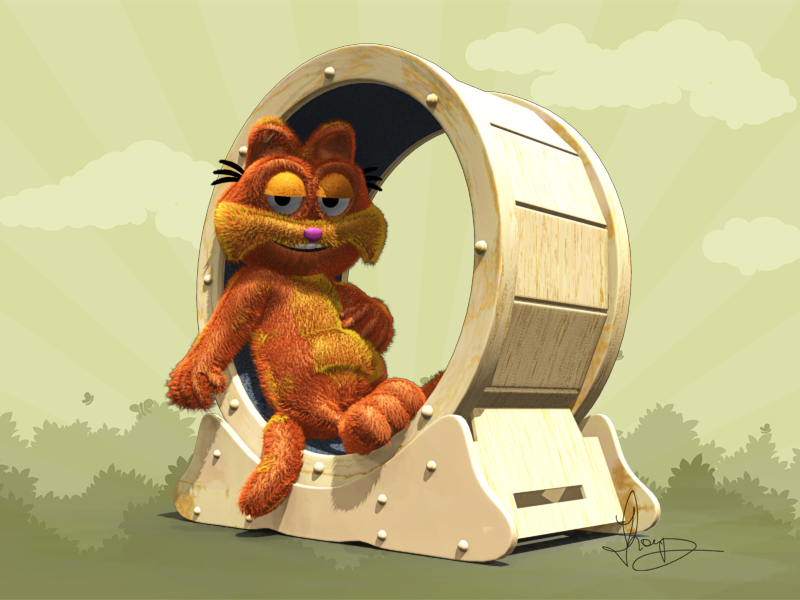
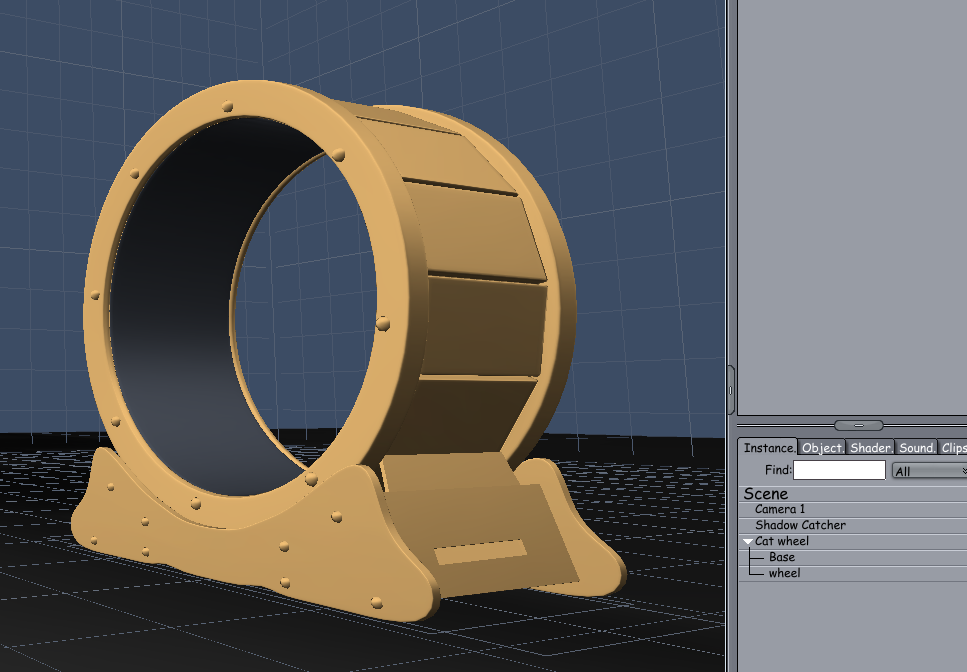
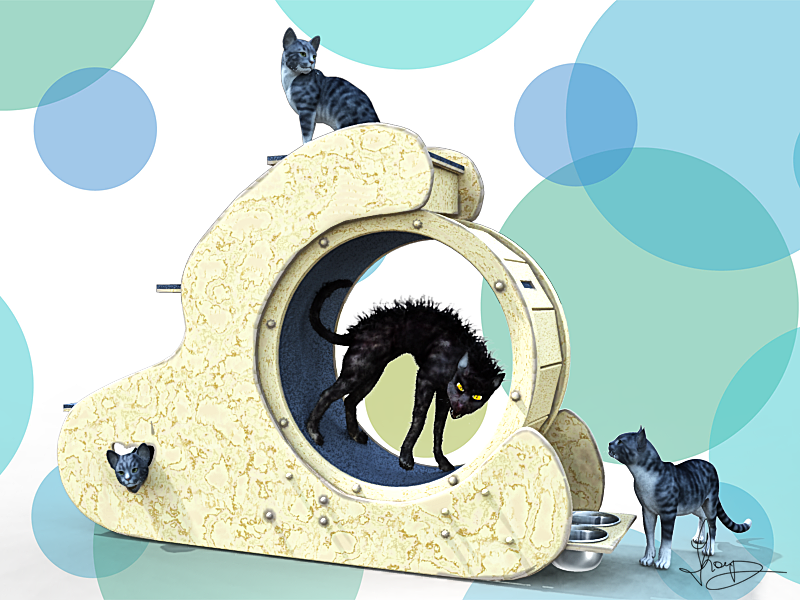
today in Carrara I modelled a cat's exercise wheel
you can find it over yonder if you want


That looks very similar to the one that WendyLuvsCats recently put together. Very cool item. Are you like to put it up somewhere as a freebie for cat lovers to use?
I imagine that even an object file would be terrific! Easy enough to import into DS or Poser.
I imagine that even an object file would be terrific! Easy enough to import into DS or Poser.
Stezza
Dances with Bees
Thanks PendoThat looks very similar to the one that WendyLuvsCats recently put together. Very cool item. Are you like to put it up somewhere as a freebie for cat lovers to use?
I imagine that even an object file would be terrific! Easy enough to import into DS or Poser.

Yep, it's over yonder ( in the Daz Carrara Board - click on my sig to get there ) but in Carrara format but it could be exported to OBJ to use in Poser or DS.. I was inspired by Wendy's purchase that she posted ( I had nothing to do lol ) I have also added a Pro version for Carrara as well..
If anyone who doesn't have Carrara I could do an export of them to OBJ format ( I don't use DS or Poser much )
thanks I'll check it out Stezzo...I think I have Carrara it might not be installed though. I'll add it to the list if it isn't. Recently picked up Vue and Modo for free but still haven't installed either.Thanks Pendo
Yep, it's over yonder ( in the Daz Carrara Board - click on my sig to get there ) but in Carrara format but it could be exported to OBJ to use in Poser or DS.. I was inspired by Wendy's purchase that she posted ( I had nothing to do lol ) I have also added a Pro version for Carrara as well..
If anyone who doesn't have Carrara I could do an export of them to OBJ format ( I don't use DS or Poser much )
Her purchase almost inspired me to buy one for my cats but I have no where to put it at the moment.
Would be nice to have nothing to do. I keep inventing new projects at the moment.
I think Pendo should be Penda as O in Italian signifies male and I'm female. Also my Avatar name ends in A. Just my opinion though...
Just a heads up the link in Stezza's page takes you to the old thread. Go to the last post and there's a link to the new thread, then click page 56 to find the cat wheel if anyone's looking...
Edited to add Link to make it easier more....Wacky Modelling ~ In Carrara ~ - Page 56
Edited to add Link to make it easier more....Wacky Modelling ~ In Carrara ~ - Page 56
Last edited:
DanaTA
Distinguished
Windows Smartscreen
I remember needing to disable this in Windows 10 - it uses "Reputation" based screening to prevent downloading files and apps from unknown and untrusted websites and providers.
This may be your culprit. I recall needing to disable other things on one of the machines as well (it was downloading files but hiding them from me "for my safety").
- Click Start, type Windows Security and open the app from the search results.
- Open the App & browser control tab in the left pane.
- Click on Reputation-based protection settings under Reputation-based protection.
- Here, you'll find four different SmartScreen filters you can individually enable or disable. If you want to turn off the filter for files and executables, turn off Check apps and files and Potentially unwanted app blocking filters. The other two filters are for Microsoft Edge and Microsoft Store apps.
- If you want to turn off SmartScreen completely, disable all four filters.
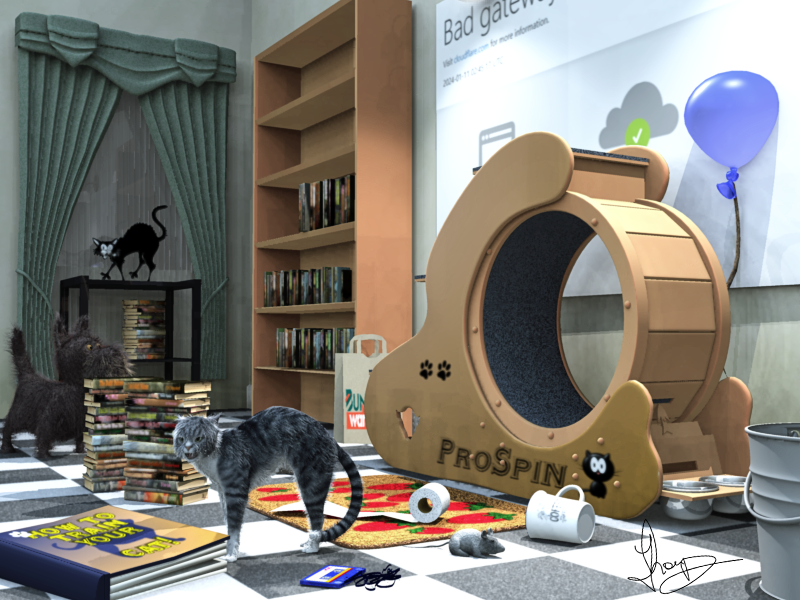
I see the Bad gateway error page! Funny!did some more work on the Cat ProSpinner today!
in Carrara


Stezza
Dances with Bees
Just a heads up the link in Stezza's page takes you to the old thread. Go to the last post and there's a link to the new thread, then click page 56 to find the cat wheel if anyone's looking...
Edited to add Link to make it easier more....Wacky Modelling ~ In Carrara ~ - Page 56
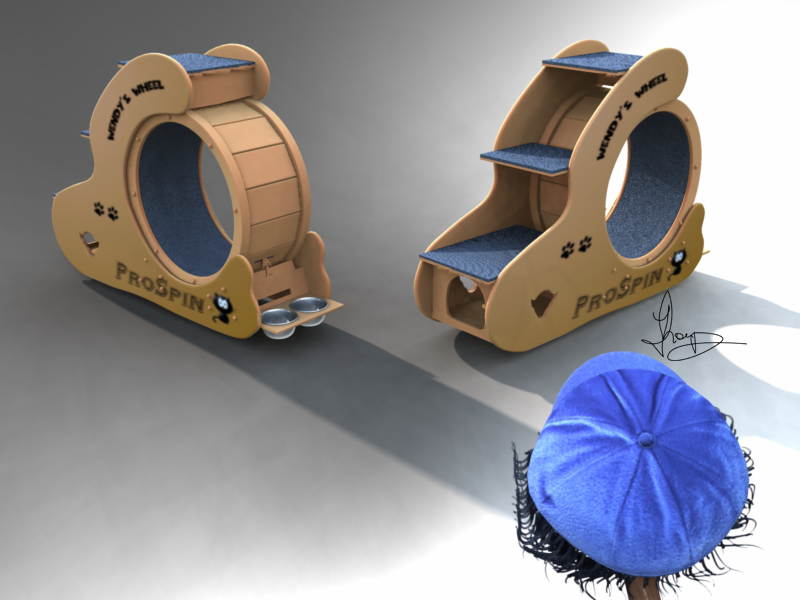
I exported a obj format if anyone wants it just dm me your email and I'll send it off to you
or get the updated zip Carrara file from the Wacky Board over yonder.
or you can get it here at the Hive in obj!
I just uploaded it
Last edited:

DanaTA
Distinguished
Thank you, all! And Happy Valentine's Day!